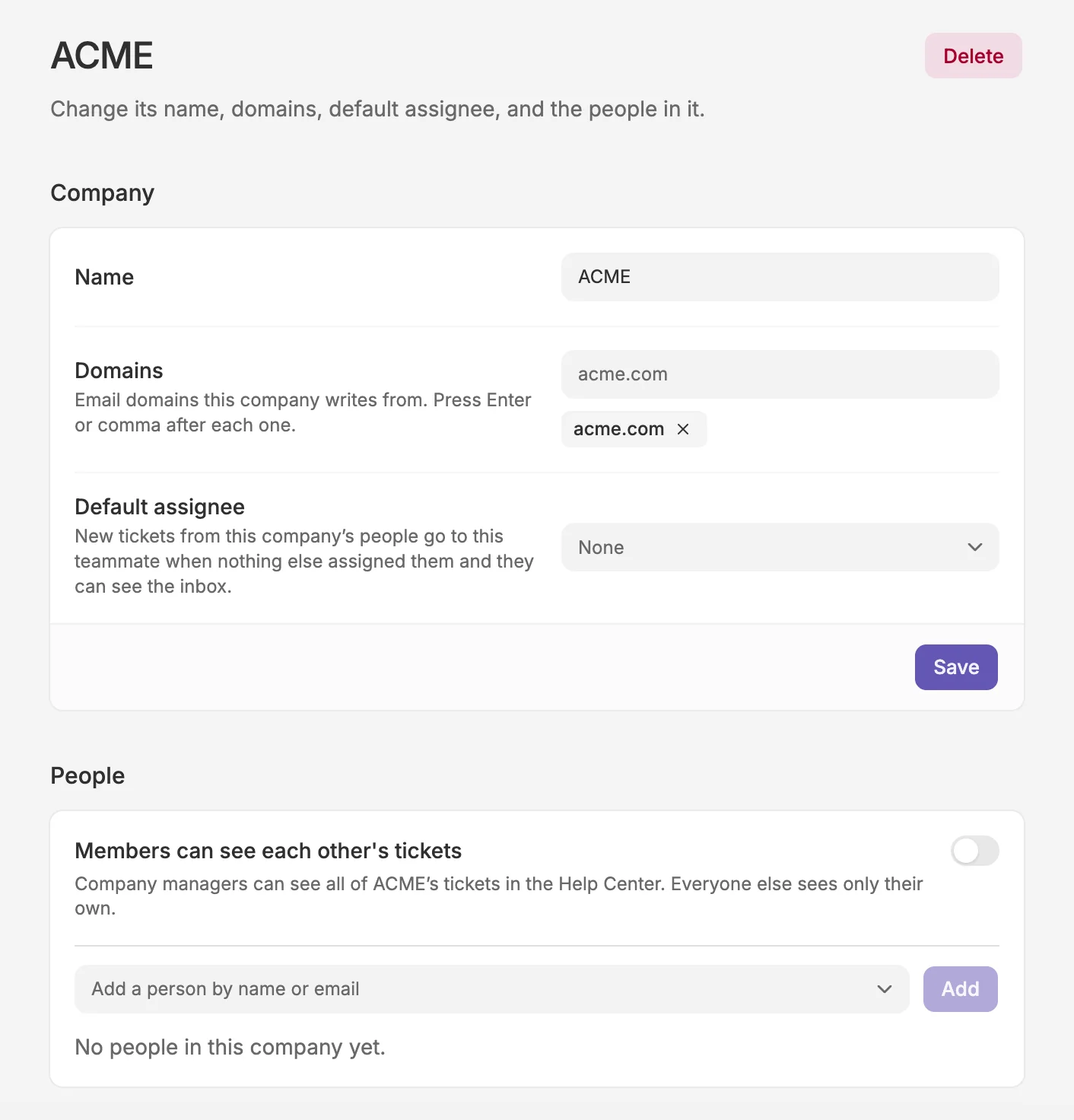
Give customers a shared view of company tickets
When several people from the same company contact support, keeping everyone informed can mean forwarding emails and asking colleagues for updates. Companies groups those contacts together, shows their company beside each ticket, and lets your team filter the queue by company.
With customer ticket access enabled in your Help Center, company managers can view tickets from everyone in their company. Other contacts see only their own tickets unless you enable shared visibility for all company members. Customers can check what’s already been raised and follow its progress without waiting for someone to forward the conversation.
You can also choose a default assignee for new, unassigned tickets from that company, helping the right person on your team pick up the work.
To get started, go to Settings > Companies, add the company’s contacts, and choose who can see its tickets in the portal.