Omnichannel multi-inbox teams
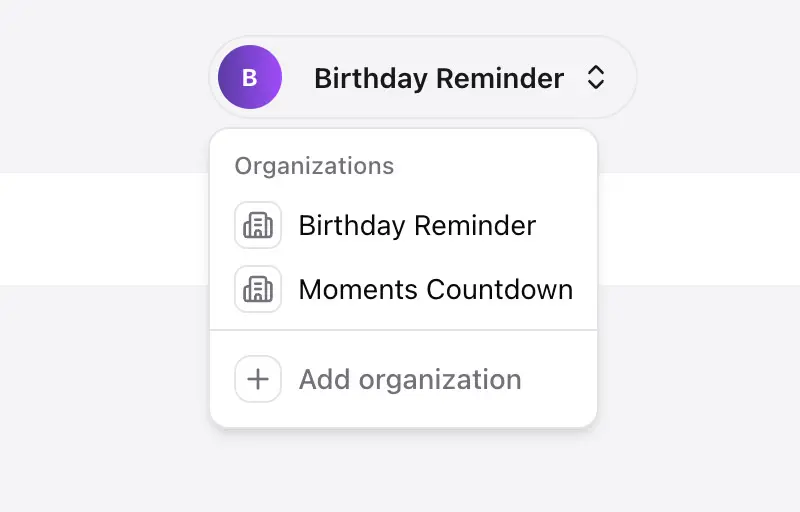
Manage brands, products, regions, or business units in one shared inbox across email, Telegram, and WhatsApp (beta).
Bring product and operations into every ticket. The price follows your ticket volume, so an extra user costs nothing.
Manage brands, products, regions, or business units in one shared inbox across email, Telegram, and WhatsApp (beta).
Plan, billing, orders or delivery status from your own API, shown next to every ticket and used by the drafts.
Turn tickets into Linear or Jira issues. Public API, webhooks, and MCP included.
AI that understands your product
initdesk reads your help docs, ticket history, customer context, and tone of voice before drafting anything.


Bring your own data
Connect with your internal API and show plan, billing status, order history, usage data, or account details next to every ticket. The AI drafts use the same context, so replies are faster and more accurate.
Let customers self-serve first
Publish help docs, add live chat, and let customers find answers before they need a ticket.
initdesk includes the shared inbox, AI drafts, help center, live chat, Linear and Jira, and customer context. Nothing is billed per user or per AI reply. Best for:
Starts at
14-day free trial with no credit card required
Invite support, product, engineering, and ops.
Separate brands, products, or business units.
Email, live chat, Telegram, WhatsApp (beta).
Drafts, summaries, tags, sentiment, and tone of voice.
Articles, custom domain, and live chat with AI.
Linear and Jira issues, with status sync.
Bring your own data into ticket context.
Small teams use initdesk to reduce support cost, keep context in one place, and move customer feedback into product work.
Compare pricing, setup and customer context before your team commits to a heavier tool.
Choose the right level of structure for your ticket volume, channels, and service commitments.
Read the guideReview current pricing, seats, AI credits, setup effort, and customer context.
Read the guideSee how pricing, AI, unlimited users, migration, and customer context differ.
Read the guideKeep customer evidence attached to product work without losing the reply loop.
Read the guideForward your company support domain email and start receiving tickets.
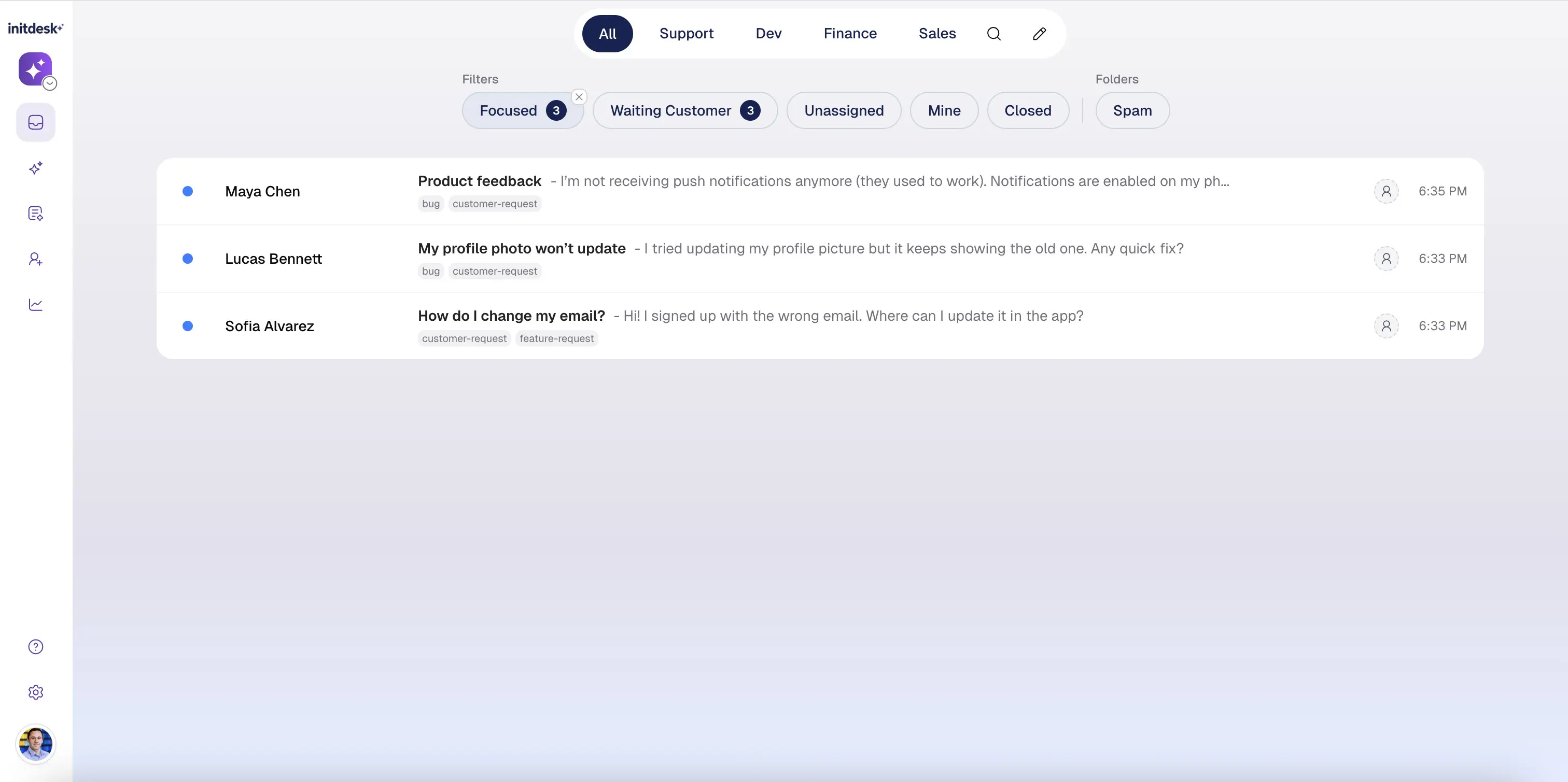
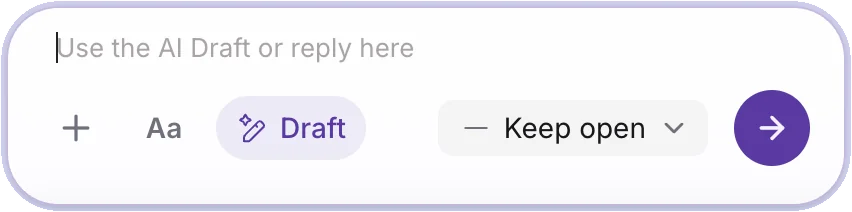
The AI reads the thread and prepares replies for review.
See customer data, tags, and history without switching tabs.