New Feature
Insert saved replies from the ticket composer
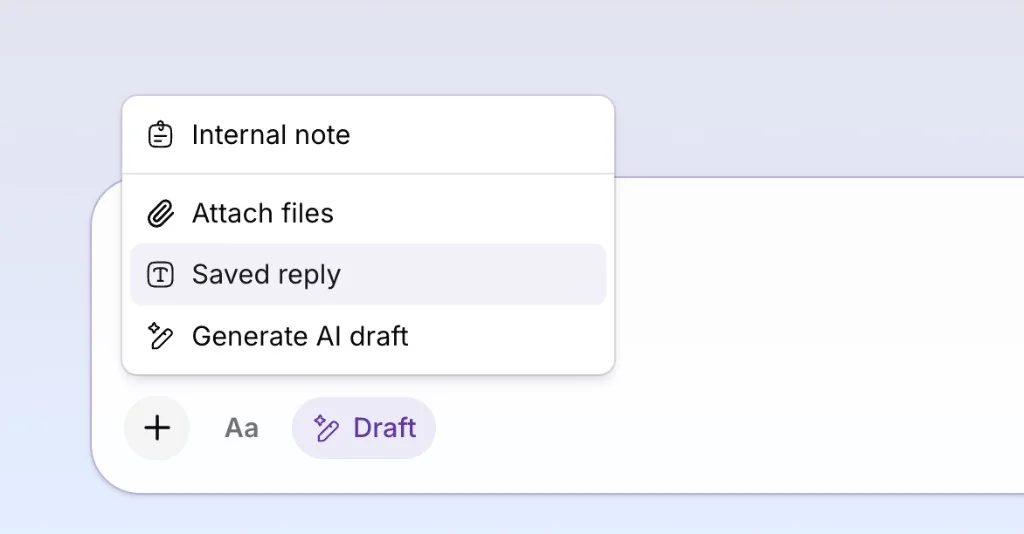
You can now insert saved replies from the ticket composer, so your team can answer recurring questions with consistent wording without retyping the same message.
Open a ticket, choose a saved reply, and initdesk fills the composer with the current customer name, your name, and ticket reference. Edit the draft if you need to, then send as usual. Replies can be personal or shared across your organization, and you can limit templates to specific channels such as email, Telegram, or WhatsApp.
A saved reply can also pre-select a close action when sent, which is useful for common wrap-up messages. Go to Settings > Saved Replies to create and manage templates, or insert one from the composer on any ticket.