Put urgent tickets first
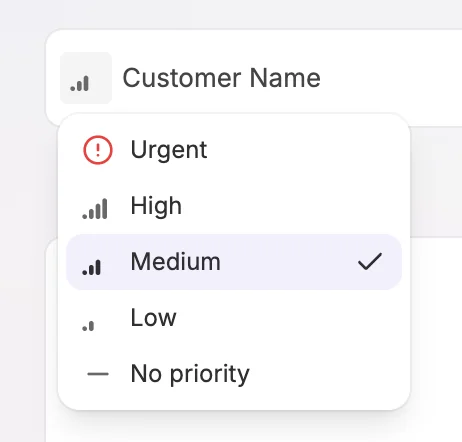
Spot urgent tickets before they get buried in the queue. Set a ticket to Urgent, High, Medium, or Low directly from the ticket list or its detail sidebar, so your team can see what needs attention first. Choose No priority to leave a ticket unmarked.
Select Priority first to bring the most urgent tickets to the top. Saved views can also filter by priority and optionally group tickets when this ordering is selected, making it easier to scan the queue and focus on time-sensitive work.