WhatsApp support, with your whole team in the loop
WhatsApp is now available in initdesk. Bring customer messages into the same shared inbox as email and Telegram, so your team can follow up without switching between tools.
Assign a ticket, leave a private note for a colleague, and reply with the conversation history in view. When someone else takes over, they can see what's already been discussed without asking the customer to explain it again.
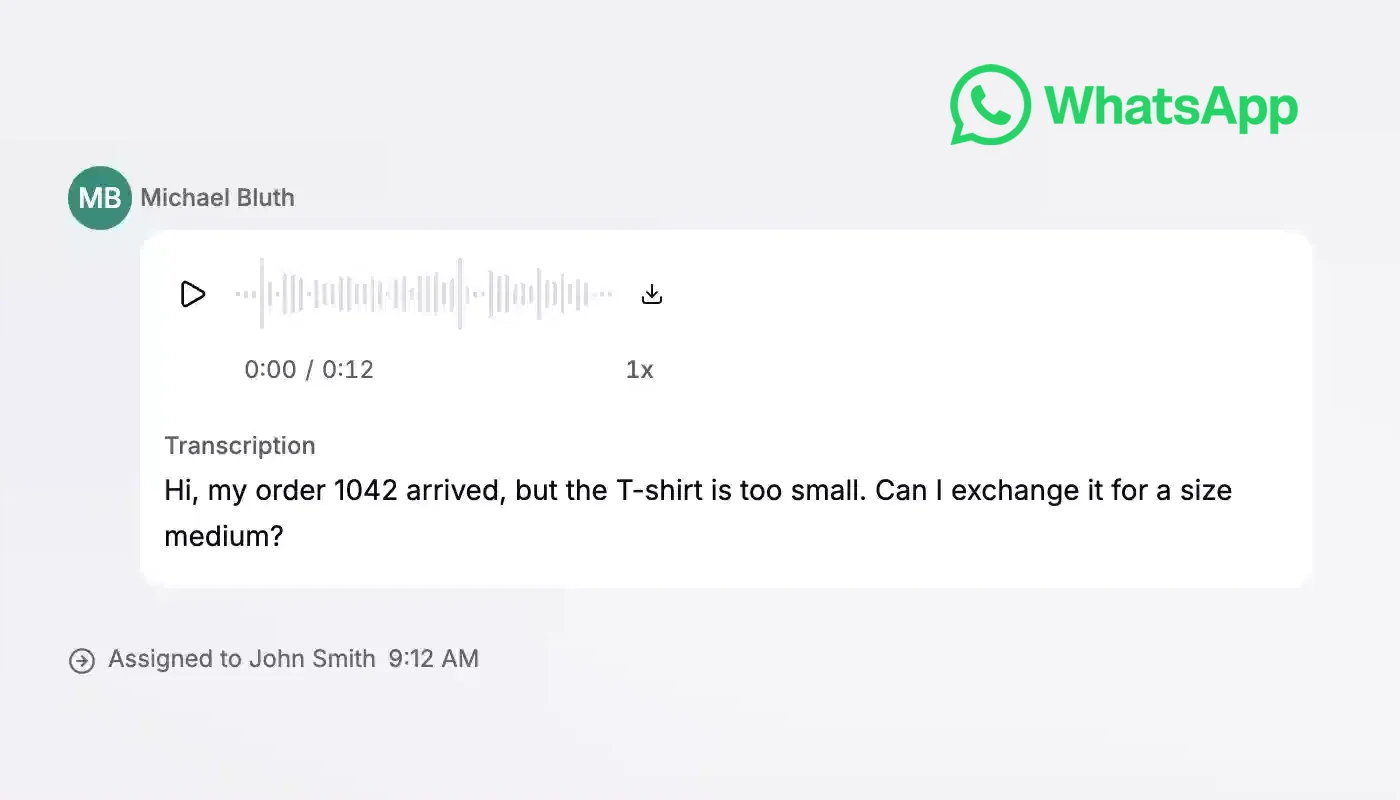
Customers can send voice messages, too. Play the audio right inside the ticket or read its transcription to check a detail without replaying the whole message.
Need to reach out first or follow up after WhatsApp's 24-hour reply window? Choose a message template approved by Meta, fill in its variables, and review the preview before sending, all from initdesk.
To get started, go to Settings > Inboxes, select an inbox, and open WhatsApp to connect your WhatsApp Business account. Your customers keep using WhatsApp. Your team handles the tickets in initdesk.