New Feature
Custom sender names per inbox
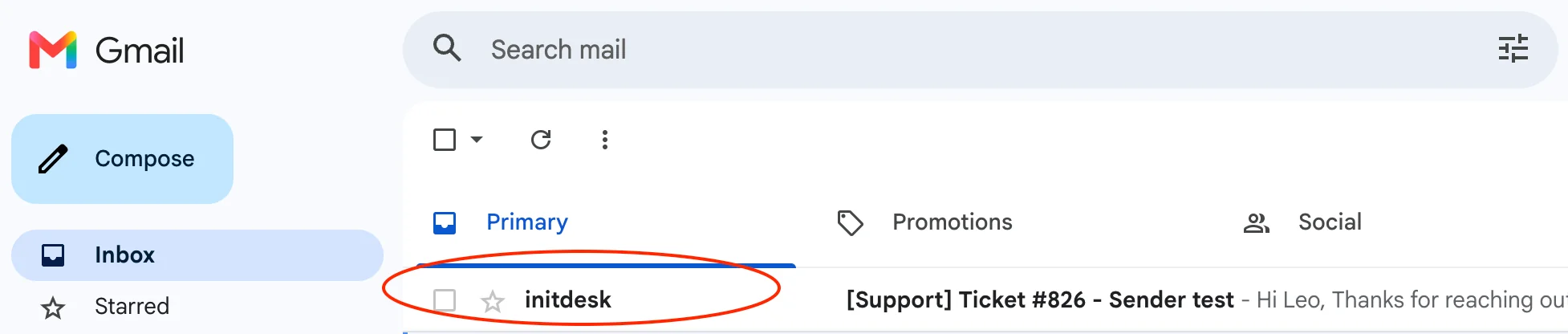
You can now choose the sender name for each inbox, so replies show the right team or brand in your customer's email client instead of a generic default.
Go to Settings > Inboxes > Channels > Email settings and set the sender name for that inbox. Each inbox can use its own name, which helps when different teams or products share one initdesk organization.
The sender name applies to outbound tickets and replies from that inbox, so customers see a familiar From line in their inbox.