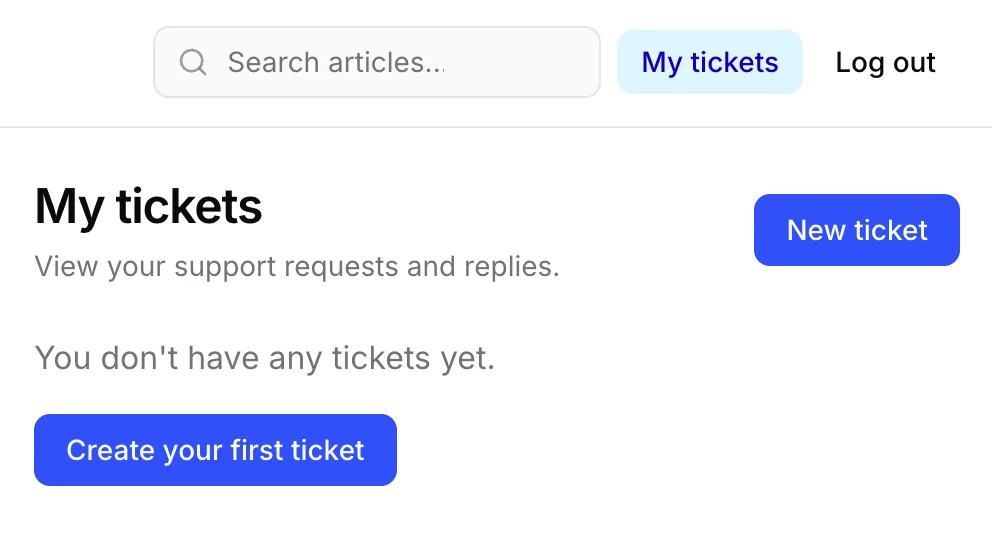
Customer ticket access in the Help Center
Customer ticket access is available in Help Center settings. Turn it on to let customers sign in by email and view their own tickets and messages.
This is separate from publishing your Help Center. You can keep articles and search public while choosing whether customers can access their ticket history, roll out the signed-in area gradually, or disable login without taking your knowledge base offline.
When enabled, customers sign in with a one-time code sent to their email, then open their ticket list and read each conversation in the Support Portal. They only see tickets tied to their own account.
Go to Help Center > Interface settings, enable Customer ticket access, and click Save changes.