Nouvelle fonctionnalité
Domaine personnalisé du Centre d'aide
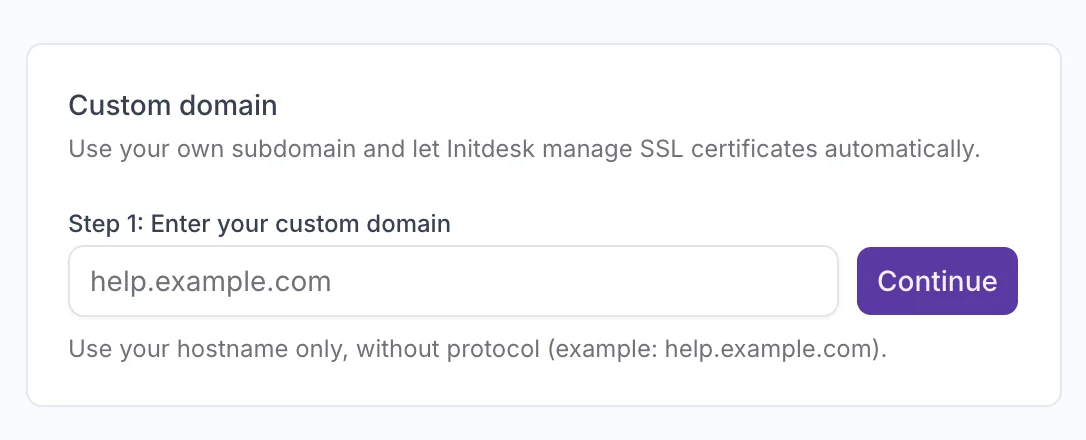
Vous pouvez désormais publier votre Centre d'aide sur votre propre domaine, comme help.votreentreprise.com, au lieu d'utiliser l'URL initdesk par défaut.
initdesk gère automatiquement les certificats SSL, pour que votre centre d'aide reste sécurisé en HTTPS sans configuration supplémentaire.
Comment ça marche
- Ouvrez Centre d’aide > Domaine personnalisé
- Saisissez uniquement le nom d'hôte, par exemple help.votreentreprise.com
- Ajoutez les enregistrements DNS TXT et CNAME indiqués par initdesk, puis confirmez lorsque c'est fait
Une fois les enregistrements vérifiés, votre domaine personnalisé s'active automatiquement. Lire le guide de configuration complet.