New Feature
Ticket numbering
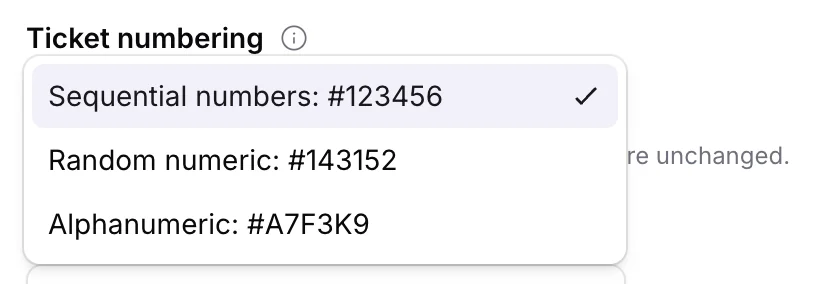
You can now choose how ticket references appear in emails and conversations. Go to Settings > General and pick the format that fits your team.
Use sequential numbers for simple
#1, #2, #3 references, random numeric references when you want IDs that are harder to guess, or alphanumeric references when you want a mixed letter-and-number format.The setting applies organization-wide, so new tickets follow the format you choose in subject lines, replies, and the inbox.