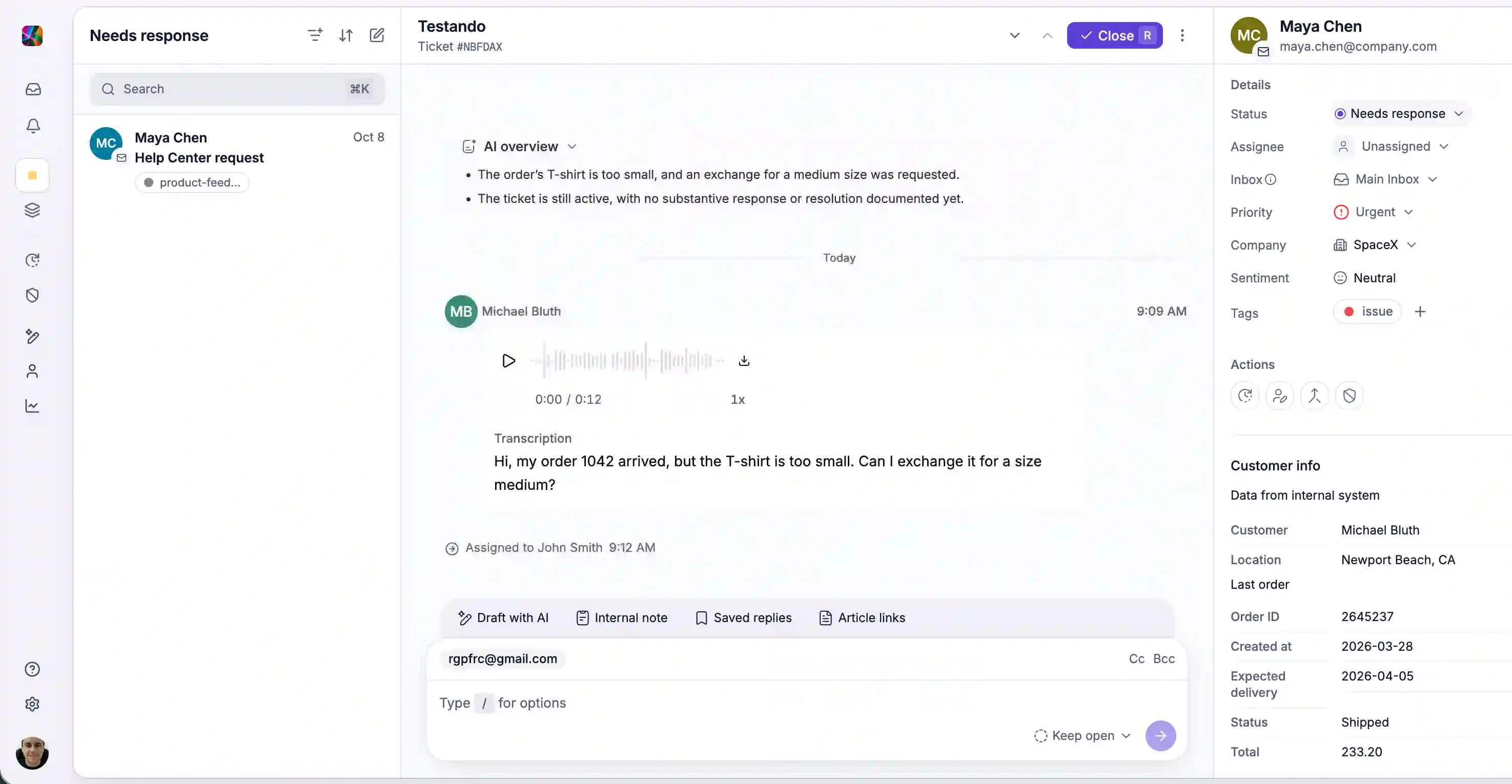
Work the queue without losing your place
Keep the queue in view while you reply. On wide screens, the ticket list now stays beside the open ticket, so you can move from one customer to the next without going back to the list.
Resize the list to suit your screen. initdesk remembers its width and sort order. Choose Priority first to group urgent work at the top, or switch to Full-width list when you want to focus on the queue.
Saved views show live ticket counts in the sidebar. To move through the queue with the keyboard, press R to close a ticket as resolved and open the next one. Press ? to see all shortcuts.