Support emails from your own domain
Keep the support address your customers already know. You can now send support emails from your own domain, such as support@yourcompany.com, while your team manages the tickets in initdesk. Customers see a familiar address and can reply directly to it.
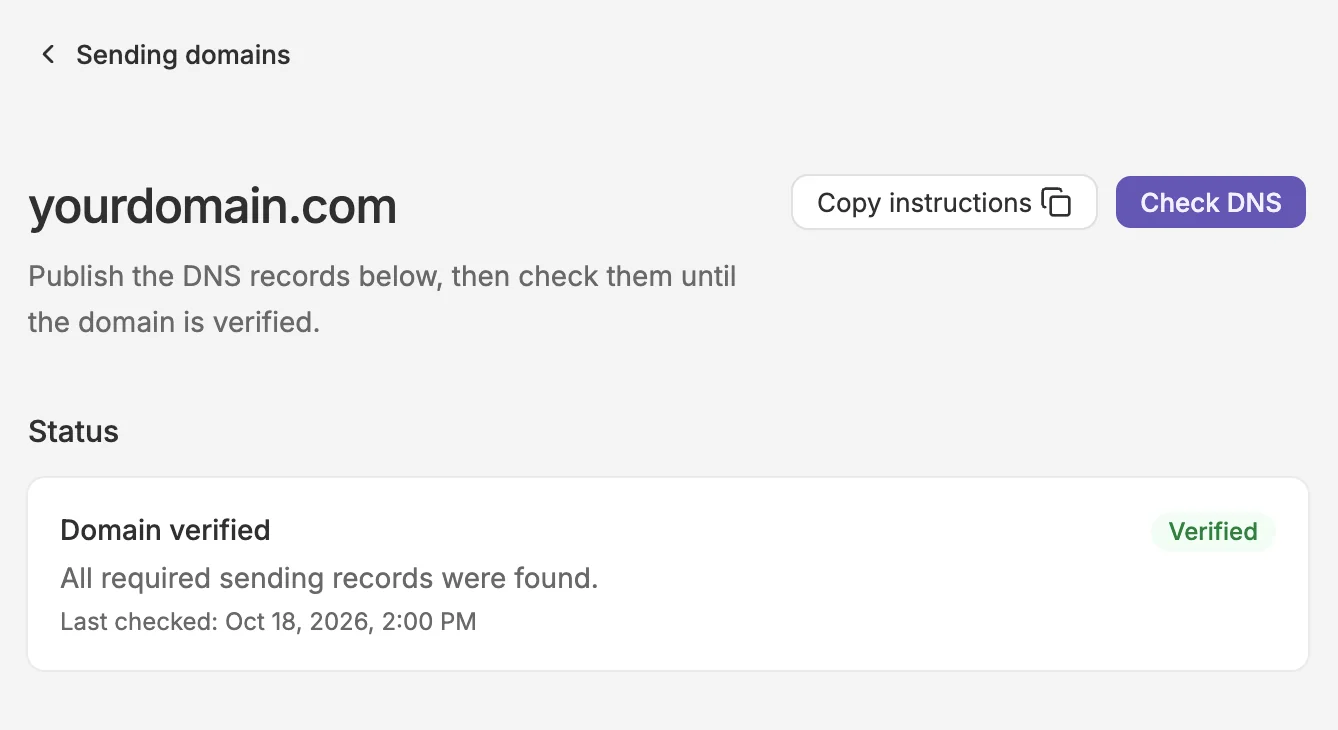
Each inbox can use its own address, so support, billing, or different brands can send from the right identity. The guided setup walks you through domain verification and email forwarding before you enable sending. Once enabled, new tickets use your company address; existing tickets keep their current sender.
To get started, go to Settings > Inboxes, select an inbox, and open Email > Company email address.