Let customers know when your team is available
A customer who writes after hours shouldn’t have to wonder whether their message reached you. With Business hours, your automatic replies can acknowledge their request and let them know when your team will be available again.
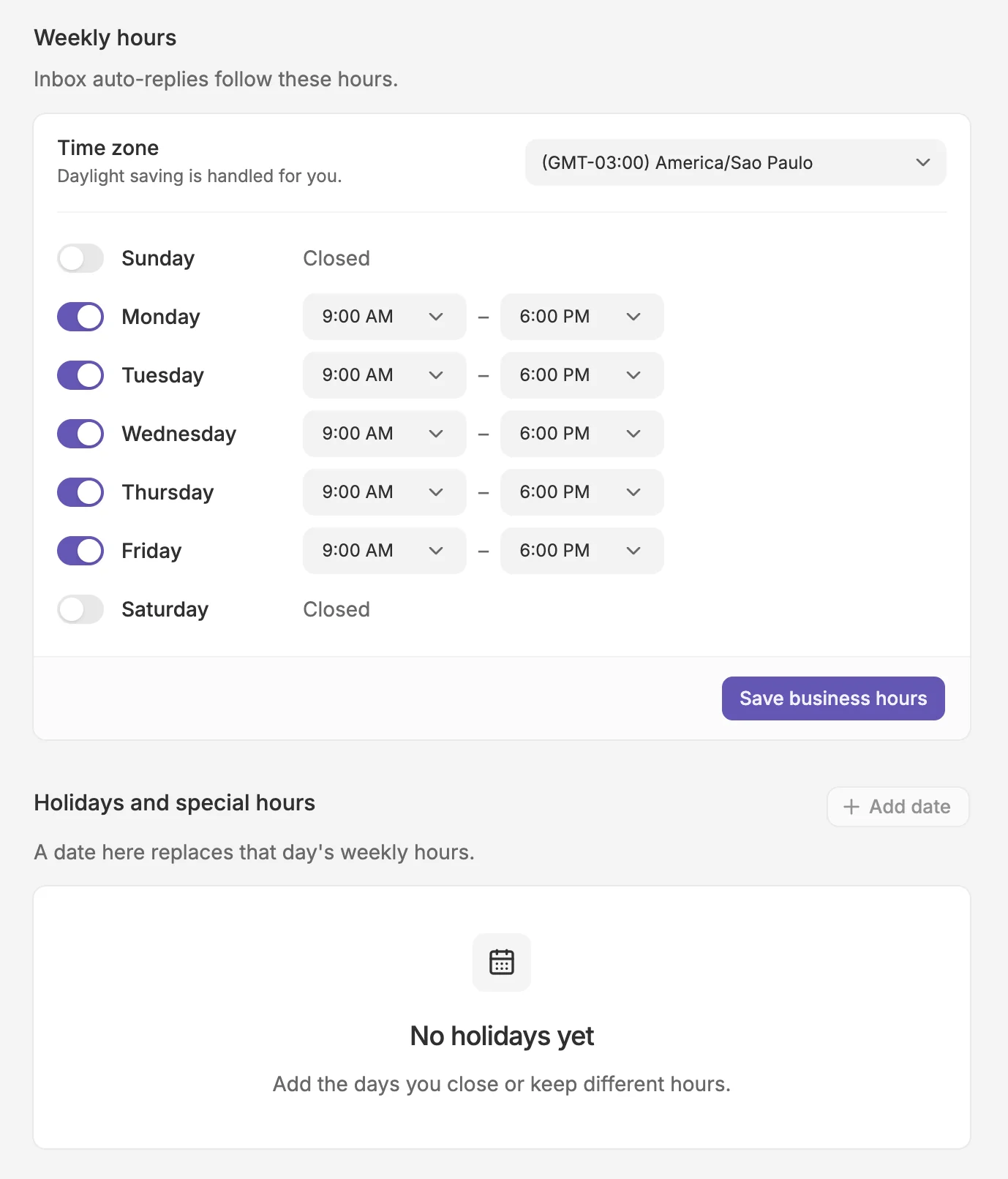
Set your organization’s weekly schedule and time zone, then add holidays or special hours. In each inbox, customize separate messages for During business hours and Outside business hours, and choose which ones to enable. Your outside-hours message can automatically include the next opening time, taking weekends and holidays into account.
When a customer starts a new ticket by email, WhatsApp, or Telegram, initdesk checks your schedule and sends the matching reply if enabled. Customers get a message that reflects your availability, without your team having to switch replies on and off each day.
To get started, go to Settings > Business hours. Then open Settings > Inboxes, select an inbox, and configure Automatic replies.