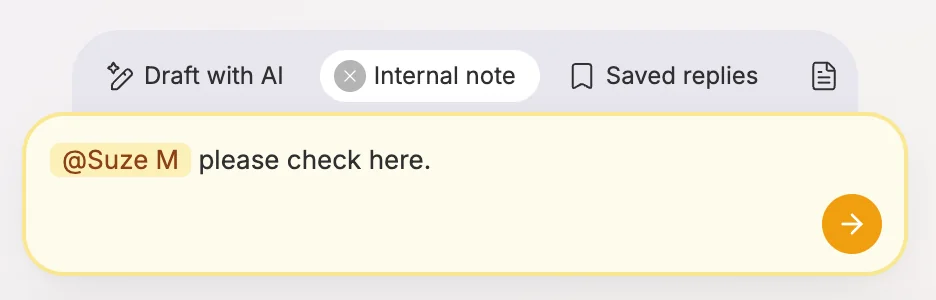
Bring the right teammate into the ticket
Ask a colleague for a second opinion with the customer’s conversation right in front of them. Choose Internal note, type @, select their name, and add what you need help with. The discussion stays in the ticket, visible only to your team.
When someone is mentioned, they can receive a notification through the bell in initdesk or by email, depending on their notification settings. They can open the ticket and pick up the context, whether you need a technical detail checked, a billing question clarified, or help preparing a reply.
You can also send a notification to a Slack channel whenever someone adds an internal note. Enable this event in Settings > Plugins > Slack to keep your team informed where they already work.
Manage mention alerts in Settings > Notifications, under Mentioned in an internal note.